Integrations
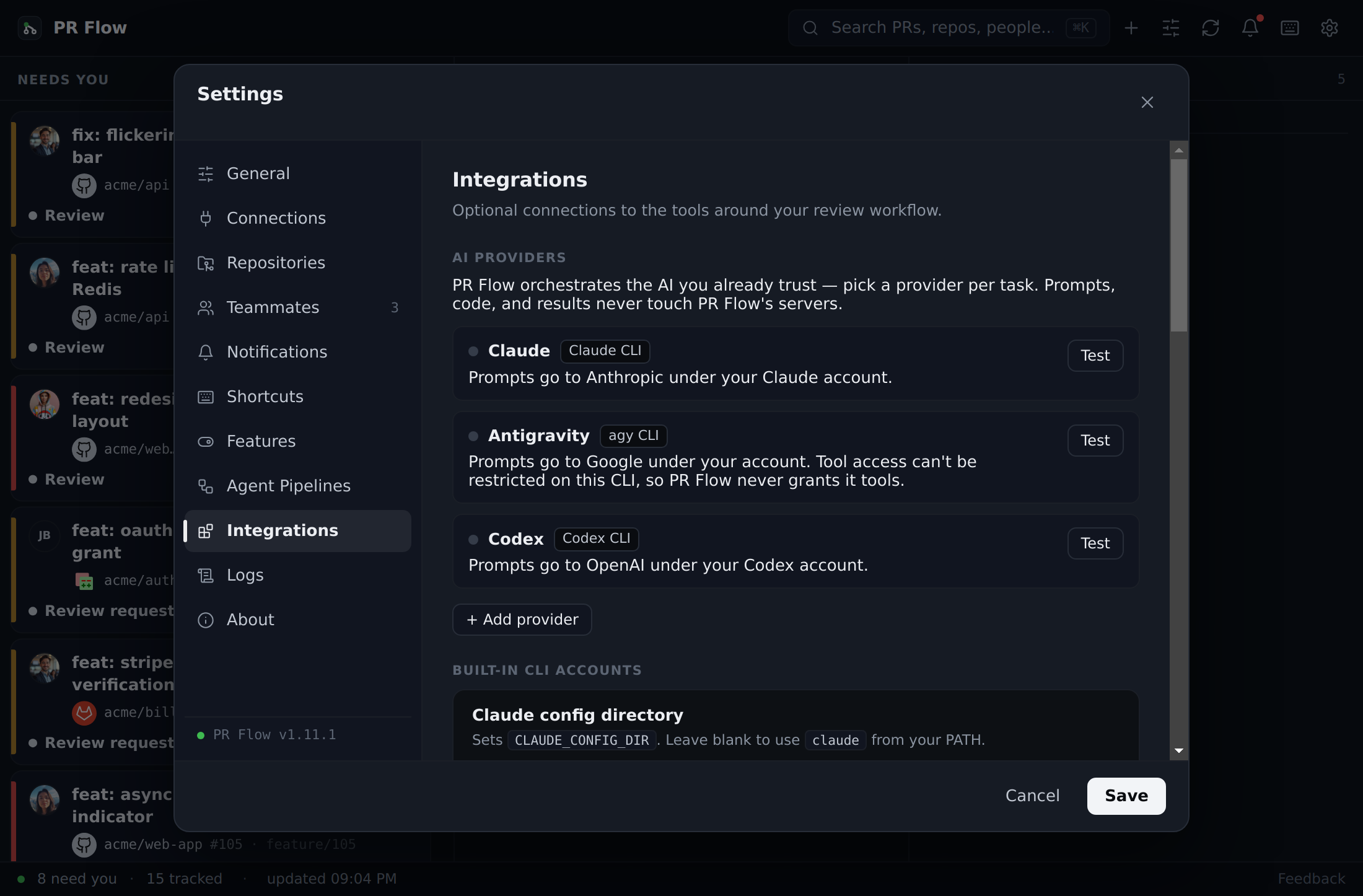
Connect PR Flow to Jira, Linear, and Trello.
PR Flow seamlessly integrates with the tools you already use to track work, ensuring you never have to context-switch to a browser to find out what ticket a PR belongs to.
Jira Integration
PR Flow can automatically detect and link Jira tickets from PR titles, branch names, and bodies (e.g., PROJ-123).
How to connect:
To get rich ticket details (status, assignee, labels) displayed directly inside PR Flow, you must install the Atlassian CLI (acli):
brew install atlassian/tap/acli
acli auth login
Once installed, ensure your Jira base URL is configured in PR Flow's settings (it must end with /browse/, e.g., https://jira.example.com/browse/).
Filtering out false positives: By default, PR Flow links anything shaped like a Jira key (KEY-123), which can catch technical terms such as UTF-8 or SHA-256. To limit linking to your real projects, set Project keys (comma-separated, e.g., PROJ, TEAM) in the Jira settings — only those keys are linked. Left blank, PR Flow still links any key-shaped reference but quietly hides ones it can't resolve, so stray acronyms no longer appear as broken tickets.
Linear & Trello
PR Flow also supports fetching task metadata from Linear and Trello.
- You can configure these connections in Settings.
- API keys are stored securely, encrypted at rest on your local machine.
Supported Git Providers
PR Flow is designed to be multi-provider. It normalizes pull requests and code reviews into a single, unified queue.
- GitHub: Powered securely by the
ghCLI. - GitLab: Powered securely by the
glabCLI. - Gerrit: Natively supported by entering your HTTP credentials in Settings.
- Azure DevOps: Native REST API integration configured securely via Personal Access Token in Settings.
You can toggle providers on or off at any time, and the sidebar will update to show which providers are currently active.